What Is the Ralph Technique? The Autonomous AI Coding Loop, Explained
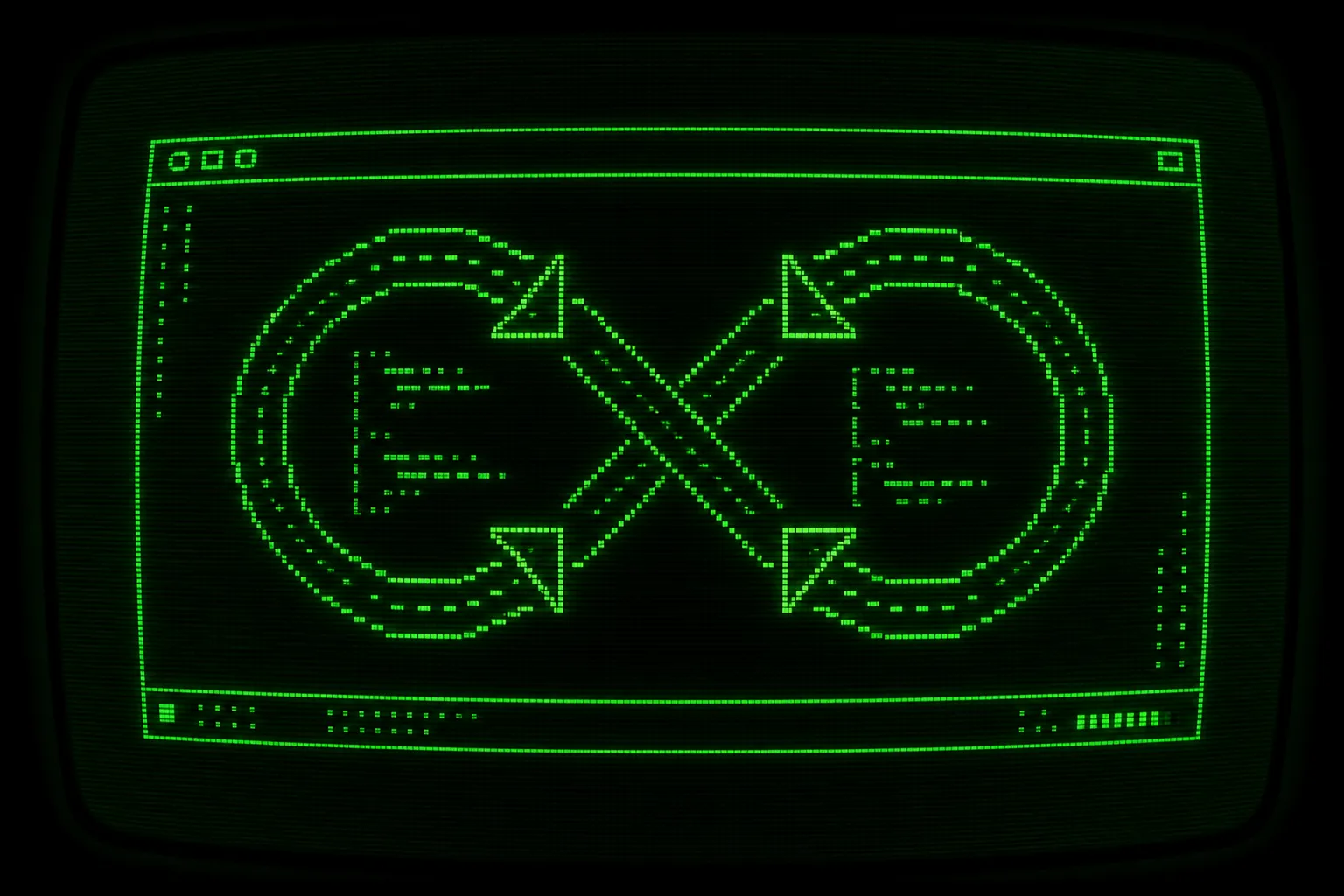

The Ralph technique is a way to run an AI coding agent in a loop: you restart the same agent with the same prompt, over and over, until it emits an explicit completion signal. Each pass starts with a clean context window, reads the current state of your project from disk, picks the next task, does the work, verifies it, commits, and exits. Then the loop runs the agent again. The agent never holds the whole project in its head. The filesystem and git history do that job instead.
That single idea solves the failure that wrecks most long agent sessions: the model loses the plot after a few thousand tokens of accumulated chatter. The loop sidesteps it by throwing away the conversation every iteration and rebuilding context from files that are always current.
What is the Ralph technique in one sentence?
Section titled “What is the Ralph technique in one sentence?”Run a coding agent in a loop until it tells you it is done, with the project state stored on disk instead of in the chat.
That is the whole trick. The name comes from Ralph Wiggum, the Simpsons character who is cheerful, persistent, and not especially clever on any single turn. A Ralph loop is the same: any one iteration is a plain agent run that might do something slightly wrong. The loop wins through repetition and a steady source of truth, not through one brilliant prompt.
A Ralph loop has three moving parts:
- A prompt that tells a fresh agent how to reorient itself and what to do next.
- A state layer on disk (a task list, per task specs, logs, and git history) that survives between iterations.
- A stop condition (a completion promise and an exit code) so the loop ends on a signal rather than on a guess.
Get those three right and you can hand an agent a large, boring, well specified job and let it grind for hours.
Why does running an agent in a loop work?
Section titled “Why does running an agent in a loop work?”A single long agent session degrades. The longer the conversation, the more the model has to attend to: old tool output, abandoned plans, half-finished edits, your corrections, its own apologies. That noise competes with the actual task. The Ralph technique attacks this from three directions.
Fresh context per iteration
Section titled “Fresh context per iteration”Every iteration spawns the agent with a clean context window. It reads only what matters right now: the prompt, a short project summary, the task list, and the spec for the one task it is about to work. There is no transcript of the previous twelve iterations clogging the window, so the model spends its attention on the current task instead of re-reading its own history.
This is the difference between a marathon and a series of sprints. A marathon session accumulates fatigue. A fresh sprint each time stays sharp. If you want the deeper comparison against trying to do everything in a single giant prompt, read Ralph loop vs one-shot prompting.
The filesystem and git history are the memory layer
Section titled “The filesystem and git history are the memory layer”If the agent forgets everything between iterations, how does it make progress? Because progress does not live in the chat. It lives in files.
Ralph keeps state under a .agent/ directory:
.agent/├── PROMPT.md # Prompt sent to the agent each iteration├── tasks.json # Task lookup table├── tasks/ # Individual task specs (TASK-{ID}.json)├── prd/│ ├── PRD.md # Product requirements document│ └── SUMMARY.md # Short project overview sent each iteration├── logs/│ └── LOG.md # Progress log├── history/ # Per-iteration output logs└── skills/ # Shared skillsWhen a fresh agent boots, it reads .agent/tasks.json to see what is done and what is not, reads .agent/logs/LOG.md to see what happened recently, and reads the git log to see the actual committed changes. The code on disk is the record. The agent does not need to remember writing a function last iteration, because the function is right there in the file, already committed.
Git is doing real work here. Each iteration ends with a commit, so the history becomes a durable, inspectable trail. You can read it in the morning, bisect it if something broke, and roll back a single bad step without losing the rest.
Beating context rot
Section titled “Beating context rot”Context rot is the slow decay of an agent’s reasoning as its context window fills with stale and conflicting information. It shows up as repeated mistakes, forgotten constraints, and confident edits that undo earlier good work.
A loop with fresh context per iteration is the most direct fix. The window never grows large enough to rot, because it resets every pass. Context rot is one of several predictable ways these systems break. The full set, plus the guardrails for each, is covered in Ralph loop failure modes.
The minimal Bash loop
Section titled “The minimal Bash loop”Geoffrey Huntley popularized this pattern with a memorable line: Ralph is a Bash loop. His original writeup describes building a working programming language overnight by running an agent against a prompt file again and again. The whole mechanism, stripped to nothing, is this:
while :; do cat PROMPT.md | your-agent-clidoneThat is it. An infinite loop that pipes a prompt into an agent CLI, then does it again. The prompt file tells the agent to look at the project, pick the next thing, do it, and commit. The agent exits, the loop restarts it, and the new run reads the freshly updated files.
This tiny script captures the essence: persistence plus a stable prompt plus state on disk. For the people and ideas behind it, see who invented the Ralph technique.
The naive version has obvious gaps. It never stops on its own. It has no iteration cap, no notion of success or failure, no isolation, and no structured task list. It will happily burn money in a loop forever. That is where a real implementation comes in.
From one-liner to a hackable ralph.sh
Section titled “From one-liner to a hackable ralph.sh”ralph.sh is the practical version of that one-liner. It keeps the same core idea and adds the missing pieces: a real task system, verification, a stop condition, multiple agent backends, and a sandbox boundary. It is a single Bash script you can read and edit, not a black box. For a full tour of the flags and what the script does on each pass, see the Ralph loop shell script.
Install it into your project:
npx @pageai/ralph-loopRun the loop for up to fifty iterations:
./ralph.sh -n 50The default is ten iterations. You can run exactly one pass to test the setup:
./ralph.sh --onceOr set a cap explicitly:
./ralph.sh --max-iterations 5ralph.sh is agent agnostic. Claude Code is the default, and you can switch to another CLI with --agent:
./ralph.sh --agent codex./ralph.sh -a cursor -n 5Supported agents are claude, codex, copilot, cursor, gemini, and opencode, and each one has a full end-to-end setup guide. To pass flags straight through to the underlying agent, put them after a -- separator:
./ralph.sh --agent codex -- --model gpt-5.5./ralph.sh -a gemini -- --model proEach agent runs inside an isolated Docker Sandbox microVM, so the loop can run in bypass-permissions mode (often called YOLO mode) without putting your real machine at risk. The sandbox is the boundary, not the agent’s good behavior. See the Docker Sandboxes docs for the isolation model, and the Claude Code docs for the --dangerously-skip-permissions flag the loop relies on.
You can authenticate inside the sandbox, publish a dev port, or print the deterministic sandbox name:
./ralph.sh --login./ralph.sh --ports./ralph.sh --print-nameAnatomy of one iteration
Section titled “Anatomy of one iteration”Every iteration follows the same shape. The agent reorients from disk, does exactly one task, proves the task works, and commits. Here is the lifecycle.
flowchart TD
    Start(["Start ralph.sh"]) --> Read["Read .agent/tasks.json"]
    Read --> Pick{"Incomplete task left?"}
    Pick -->|No| Done["Emit COMPLETE, exit 0"]
    Pick -->|Yes| Fresh["Spawn agent with fresh context"]
    Fresh --> Spec["Load TASK-ID.json steps"]
    Spec --> Work["Implement the one task"]
    Work --> Verify["Run tests, lint, typecheck"]
    Verify --> Pass{"All checks pass?"}
    Pass -->|No| Work
    Pass -->|Yes| Commit["Commit and update task status"]
    Commit --> Signal{"Promise emitted?"}
    Signal -->|"BLOCKED or DECIDE"| Halt["Exit 2 or 3"]
    Signal -->|"none, work remains"| Limit{"Max iterations reached?"}
    Limit -->|Yes| MaxOut["Exit 1"]
    Limit -->|No| Read
Walk through it step by step.
1. Pick the highest-priority incomplete task
Section titled “1. Pick the highest-priority incomplete task”The agent reads .agent/tasks.json, the task lookup table, and selects the highest-priority task that is not yet done. The table is a lightweight index, so the agent does not need to load every spec to decide what is next. This scales: a project can hold hundreds of tasks and the agent still only reads the one it is about to work.
2. Work the steps in the task spec
Section titled “2. Work the steps in the task spec”The chosen task has a detailed spec at .agent/tasks/TASK-{ID}.json. That file holds the concrete steps, the acceptance criteria, and any context the agent needs. The agent follows the steps for that single task and nothing else.
One task per invocation is the rule that keeps a loop reliable. The agent completes exactly one task, commits, and stops. It never batches several tasks into one iteration, because batching is how an agent drifts off scope and produces a tangled commit you cannot review. Where the task list comes from, and how to break a big project into atomic packets, is the heart of spec-driven development with AI.
3. Verify with tests, lint, and type checking
Section titled “3. Verify with tests, lint, and type checking”Before the agent calls a task done, it runs the project’s checks. Ralph assumes a verification stack: Playwright for end to end tests, Vitest for unit tests, TypeScript for types, ESLint for linting, and Prettier for formatting. The repo mantra is blunt: if you didn’t test it, it doesn’t work.
This verification gate is what makes the loop trustworthy. The agent does not get to claim success on a vibe. The checks pass or the iteration is not done. If a check fails, the agent loops back inside the same iteration and fixes the code until it passes.
4. Commit and update status
Section titled “4. Commit and update status”When the checks pass, the agent takes a screenshot where relevant, flips the task’s status to done in .agent/tasks.json, and commits the change. That commit is the iteration’s permanent record. The next fresh agent will see it in the git log and in the updated task table.
5. Repeat
Section titled “5. Repeat”The loop runs the agent again. The new agent reads the now-updated state, picks the next highest-priority task, and the cycle continues until every task is done or the iteration cap is hit.
The prompt that drives all of this lives in .agent/PROMPT.md. It tells each fresh agent how to reorient, which mode to operate in (the default is implementation, and you can swap it for refactor, review, or test), and how to behave. Writing a good prompt file is its own skill, covered in detail in how to write the PROMPT.md file.
How does a Ralph loop know when to stop?
Section titled “How does a Ralph loop know when to stop?”A loop that never ends is a money fire. Ralph stops on an explicit signal, never on a guess. There are two layers: promise tags that the agent emits, and exit codes that the script returns.
Promise tags
Section titled “Promise tags”A promise tag is a semantic status the agent prints to declare where things stand:
<promise>COMPLETE</promise>means every task is finished.<promise>BLOCKED:reason</promise>means the agent needs a human to clear something it cannot resolve.<promise>DECIDE:question</promise>means the agent has hit a real decision point and wants your call before continuing.
The loop watches for these tags. A COMPLETE ends the run cleanly. A BLOCKED or DECIDE stops the loop and hands control back to you with the reason or question attached, so you are not staring at a dead terminal wondering what went wrong.
The completion promise is the part that turns an open-ended loop into a finite job. The full design, including why a promise beats letting the agent decide it feels done, is in completion promises and exit codes.
Exit codes
Section titled “Exit codes”When ralph.sh returns, its exit code tells you and any surrounding automation what happened:
| Code | Meaning |
|---|---|
| 0 | COMPLETE. All tasks finished. |
| 1 | MAX_ITERATIONS. Reached the cap. |
| 2 | BLOCKED. Needs human help. |
| 3 | DECIDE. Needs a human decision. |
Exit code 1 is not a failure. It means the loop ran out of its iteration budget with work still pending, which is exactly what you want as a safety cap. You read the log, top up the budget, and run it again. Because exit codes are standard, you can wire the loop into CI or a cron job and branch on the result.
When should you use the Ralph technique?
Section titled “When should you use the Ralph technique?”The Ralph technique shines on work that is large, well specified, and mechanically verifiable. The agent does not need to be creative. It needs to be persistent and correct, and the loop supplies the persistence.
Good fits:
- Migrations. Moving a codebase from one framework, library version, or API to another. The change is repetitive across many files, and tests tell you when each file is right.
- Test coverage. Backfilling unit or end to end tests across a codebase that has too few. Each new test is independently verifiable, and the suite confirms progress.
- Refactors. Renaming, restructuring, splitting oversized modules, or applying a consistent pattern across a project. The shape of the change is clear, only the volume is large.
- Overnight and multi-day work. Anything you would happily let run while you sleep. Set a high iteration cap, point it at a long task list, and review the commits in the morning. This is the whole premise of running an AI coding agent overnight.
When not to use it
Section titled “When not to use it”The loop is not a substitute for thinking. It struggles when the task is underspecified or genuinely novel.
Skip the Ralph technique when:
- The requirements are vague. If you cannot write a clear task with acceptance criteria, the agent has nothing solid to verify against, and it will thrash. Do the spec work first.
- The work needs real product taste or one big design decision. A loop is good at executing a plan, not at choosing between two fundamentally different architectures. Make that call yourself, then let the loop build it.
- There is no automated way to verify the result. If success cannot be checked by a test, a type check, or a screenshot, the loop loses its feedback signal and you are back to guessing.
- The job is tiny. A one-line fix does not need a loop. Just make the change.
The honest framing is that a Ralph loop converts a well written specification into committed, tested code. It does not write the specification for you. Garbage tasks in, garbage commits out.
Getting started
Section titled “Getting started”Here is the shortest path from nothing to a running loop.
First, install Ralph into your project:
npx @pageai/ralph-loopThis drops the .agent/ scaffolding and ralph.sh into your repo. Next, create a PRD and a task list. The recommended way is the prd-creator skill in plan mode, which turns unstructured requirements into a .agent/prd/PRD.md and a set of task specs under .agent/tasks/. A good task list is the single biggest factor in whether the loop succeeds.
Run a single iteration first to confirm the setup works end to end:
./ralph.sh --onceOnce you trust it, let it run for a real batch:
./ralph.sh -n 50If you want a different agent, pass --agent and any model flags after --:
./ralph.sh --agent codex -- --model gpt-5.5Steering a loop that is already running
Section titled “Steering a loop that is already running”You will sometimes notice the agent heading the wrong way, or realize a critical task needs to jump the queue. You do not have to kill the loop. Edit .agent/STEERING.md while the loop is running, and the agent reads it and handles that work before resuming the normal task order. It is a way to inject a course correction without losing the momentum of a long run.
How the Ralph technique relates to the broader toolkit
Section titled “How the Ralph technique relates to the broader toolkit”The Ralph technique is the engine. Several other practices make it run well:
- Spec quality is upstream of everything. A loop is only as good as the tasks you feed it, which is why spec-driven development and tools like the GitHub Spec Kit matter so much.
- Long-horizon reliability is downstream. Once the engine works, keeping it productive for hours or days is its own discipline, covered in running an AI coding agent overnight.
- The choice between a loop and a single prompt depends on the task. Ralph loop vs one-shot prompting walks through when iteration earns its overhead.
Anthropic has also shipped an official Claude Code plugin that uses a Stop Hook to re-inject the prompt, which is the same loop idea wired directly into the agent runtime. The ralph.sh approach keeps the loop in a script you can read and edit, which is the point: it stays hackable.
The shortest possible summary
Section titled “The shortest possible summary”The Ralph technique runs a coding agent in a loop. Each iteration gets fresh context, reads project state from disk, does one verified task, and commits. The loop stops on a completion promise and reports its outcome through an exit code. State lives in the filesystem and git history, not in the chat, which is how the agent stays coherent across a run that would otherwise rot.
It is not magic and it is not clever on any single turn. It is persistence with a memory and a stop button. That is enough to let an agent finish work that no single prompt ever could.
Frequently asked questions
What is the Ralph technique?
It is a method for running an AI coding agent in a loop. Each iteration starts the agent with a fresh context, reads the current project state from disk, completes one verified task, commits the result, and exits. The loop runs the agent again until it emits a completion promise or hits an iteration cap.
Why is it called Ralph?
It is named after Ralph Wiggum, the cheerful and persistent Simpsons character. The point is that any single iteration is plain and may be slightly wrong, but the loop succeeds through repetition and a reliable source of truth rather than through one perfect prompt. Geoffrey Huntley popularized the pattern with the line that Ralph is a Bash loop.
How does a Ralph loop avoid context rot?
It resets the context window every iteration. Because the agent reads project state from the filesystem and git history each pass instead of carrying a growing conversation, the context never gets large enough to rot. Progress is stored in files like the task list and commits, not in chat memory.
How does the loop know when to stop?
It stops on explicit signals. The agent emits a promise tag, COMPLETE when all tasks are done, BLOCKED when it needs human help, or DECIDE when it needs a decision. The script then returns an exit code: 0 for complete, 1 for reaching the iteration limit, 2 for blocked, and 3 for decide.
When should I not use the Ralph technique?
Avoid it when the requirements are vague, when the task needs a single large design decision or real product taste, when there is no automated way to verify the result, or when the change is tiny. The loop executes a clear specification well, but it does not write the specification for you.